Unlock the World of Digital Communication

Discover our comprehensive services designed to empower seniors with the skills to connect digitally.

Explore Our Services

Our Guiding Services
Illustration of a smartphone screen showing WhatsApp interface

WhatsApp Essentials

Master the basics of WhatsApp, from sending your first text message to understanding chat features. We cover contact management, group chats, and sending media.

  • Sending and receiving messages
  • Adding contacts
  • Using emojis and stickers
  • Sharing photos and videos
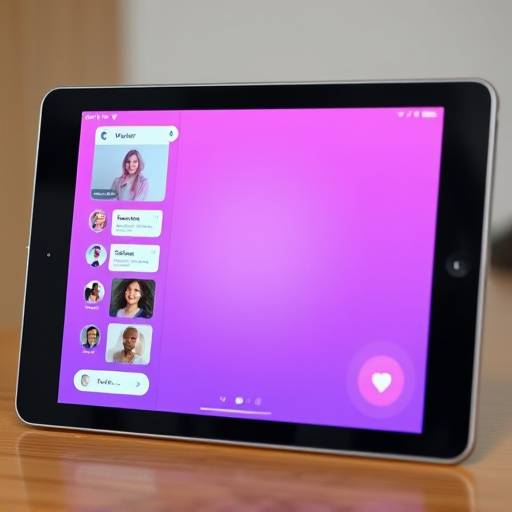
Illustration of a tablet screen showing Viber interface

Viber Communication

Learn to use Viber for free calls, messaging, and sharing files. Our guides make it simple to connect with family and friends, even internationally, at no cost.

  • Viber messaging and calls
  • International calling features
  • Sharing files and documents
  • Sticker and emoji usage
Illustration of two people video calling on a laptop

Video Calling Made Easy

Experience face-to-face conversations with loved ones through popular video calling apps. We'll guide you through setting up and making your first video call with confidence.

  • Introduction to video calling
  • Using popular platforms (e.g., FaceTime, Google Meet)
  • Tips for clear audio and video
  • Troubleshooting common issues

Tailored Learning Packages

Choose a plan that best suits your learning journey. All packages are designed for clarity and ease of understanding.

Digital Starter

$50
  • WhatsApp Basics
  • Introduction to Video Calls
  • 1-on-1 Support Session
  • Access to Digital Resources
Sign Up Now

Communication Connector

$90
  • WhatsApp Essentials
  • Viber Messaging & Calls
  • Making Your First Video Call
  • Photo & Message Sharing
  • Priority Support
Choose This Plan

Digital Navigator

$150
  • All "Communication Connector" Features
  • Advanced WhatsApp Features
  • Viber Advanced Functions
  • Privacy & Safety Tips
  • Unlimited Support for 1 Month
  • Personalized Coaching
Get Started

Frequently Asked Questions

Our guides are designed to work with smartphones (iOS and Android) and tablets. We also provide tips for using video calls on computers.
A stable Wi-Fi connection is recommended for the best experience, especially for video calls. Most standard home internet plans are sufficient. Mobile data can also be used, but be mindful of your data plan limits.
Each app has a built-in password recovery process. We can guide you through it during a support session. Generally, you'll need access to the email or phone number associated with your account.
Learning is a personal journey. Our guides are designed for a gradual understanding, and you can practice at your own pace. Most users feel comfortable with basic functions after a few sessions.

Get In Touch

Ready to connect? Have questions about our services? We're here to help.